TOOLS IN CONTEXT
Find your kind of work.
Travel, retail, food, production, services and creative work. Useful tools start with a specific task.
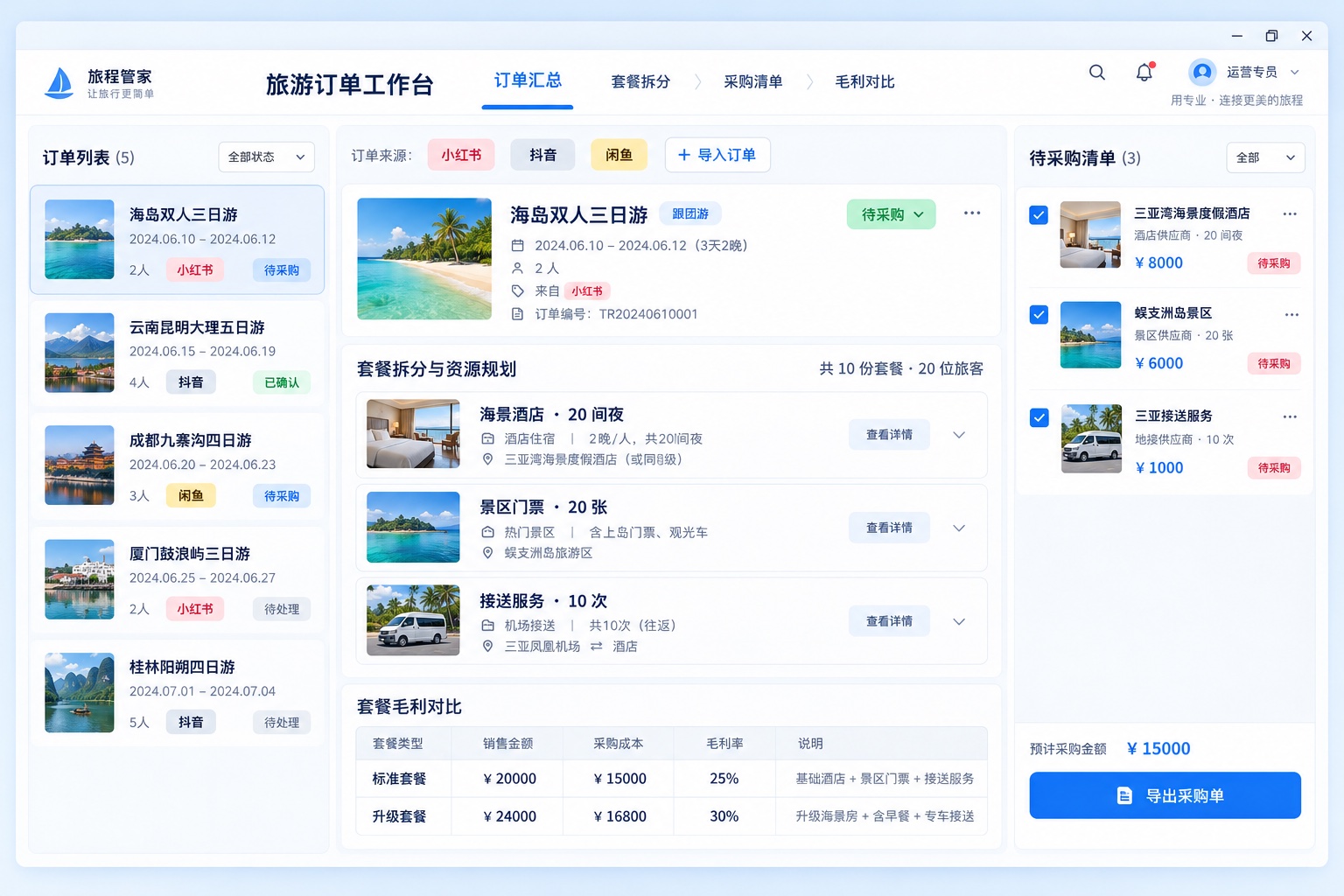
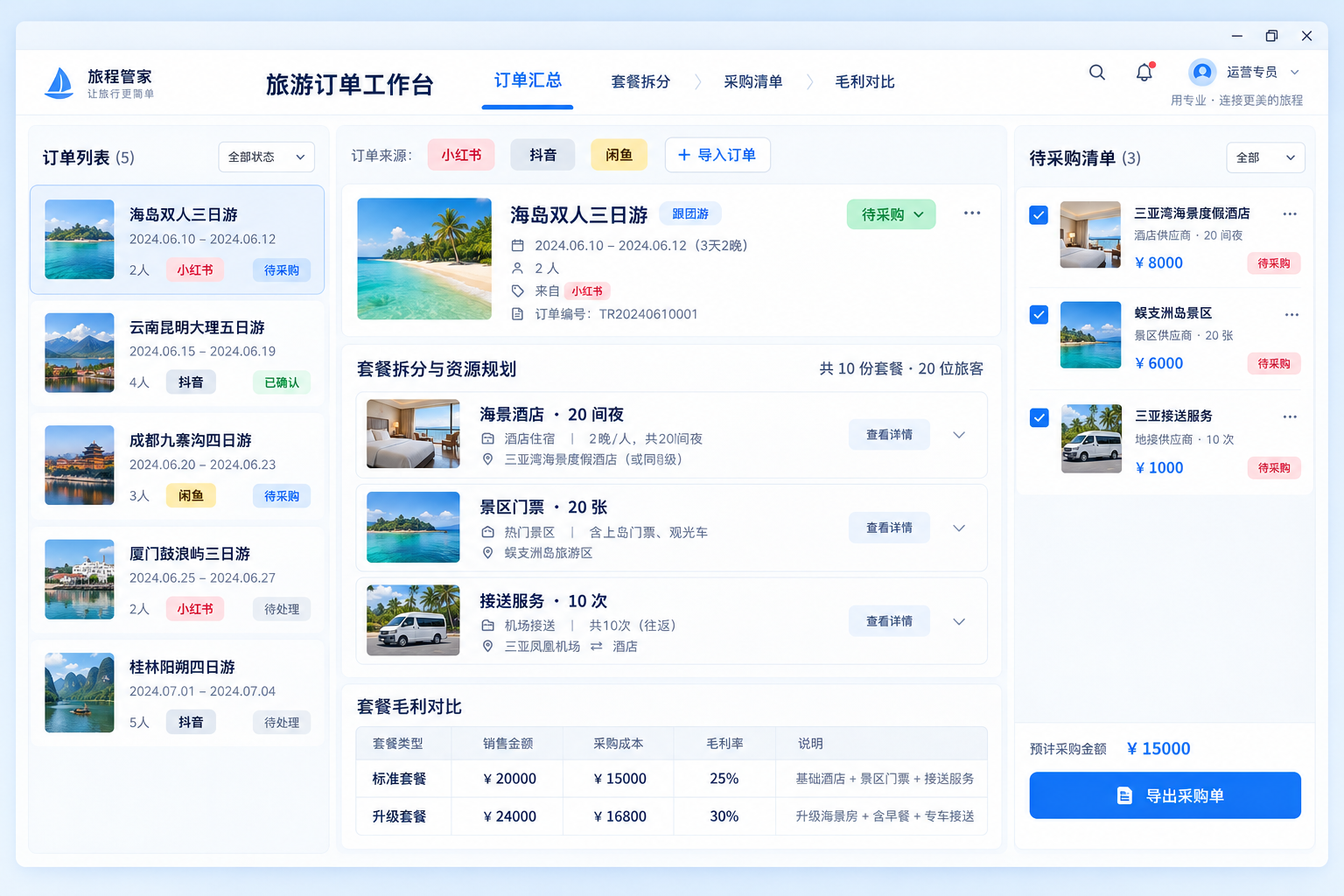
TravelPlatform orders, ready for supplier booking.
Bring channel orders together, break packages into room nights, tickets and transfers, then compare package costs and margins.
- Collect orders
- Split packages
- Plan purchasing
- Compare margins
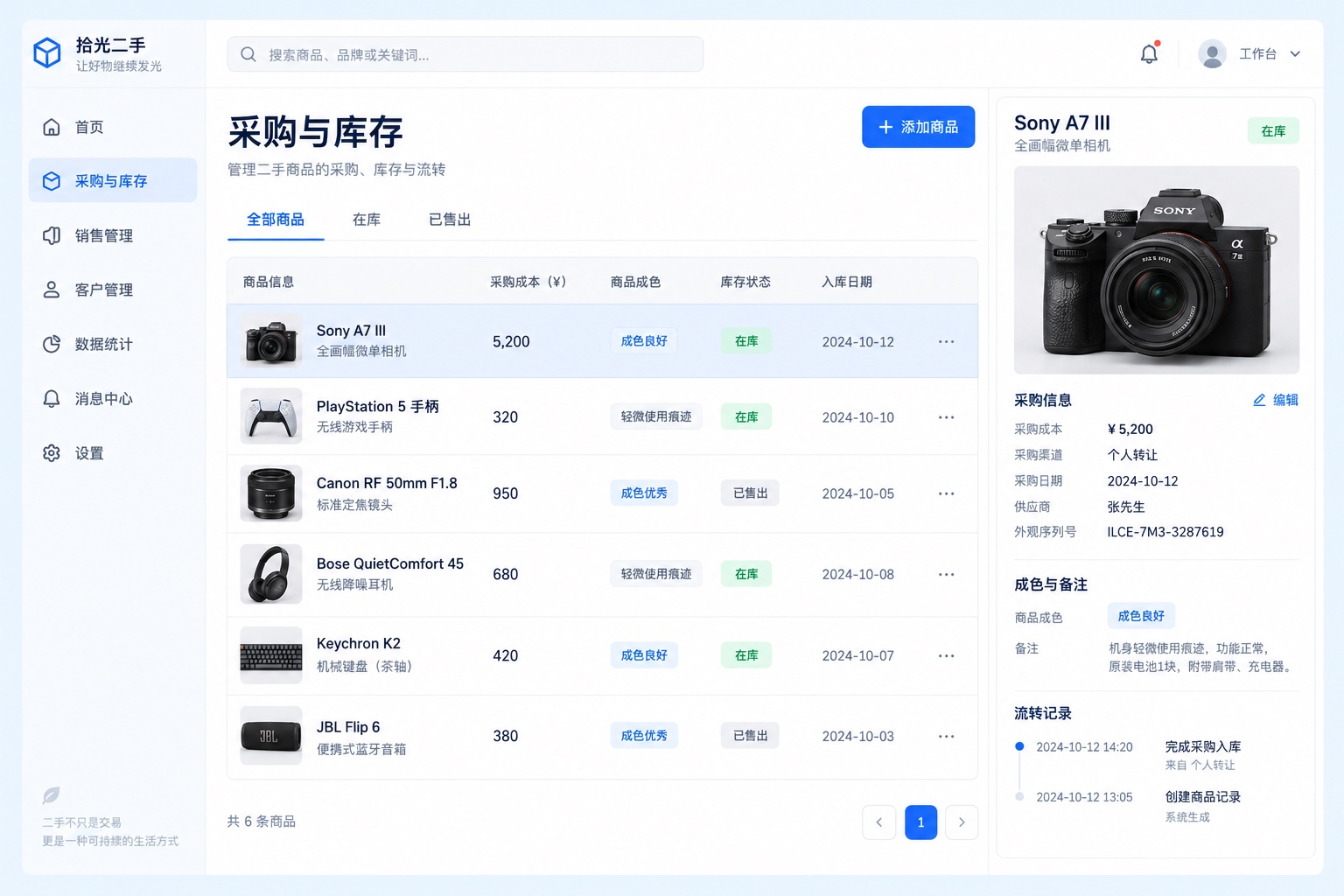
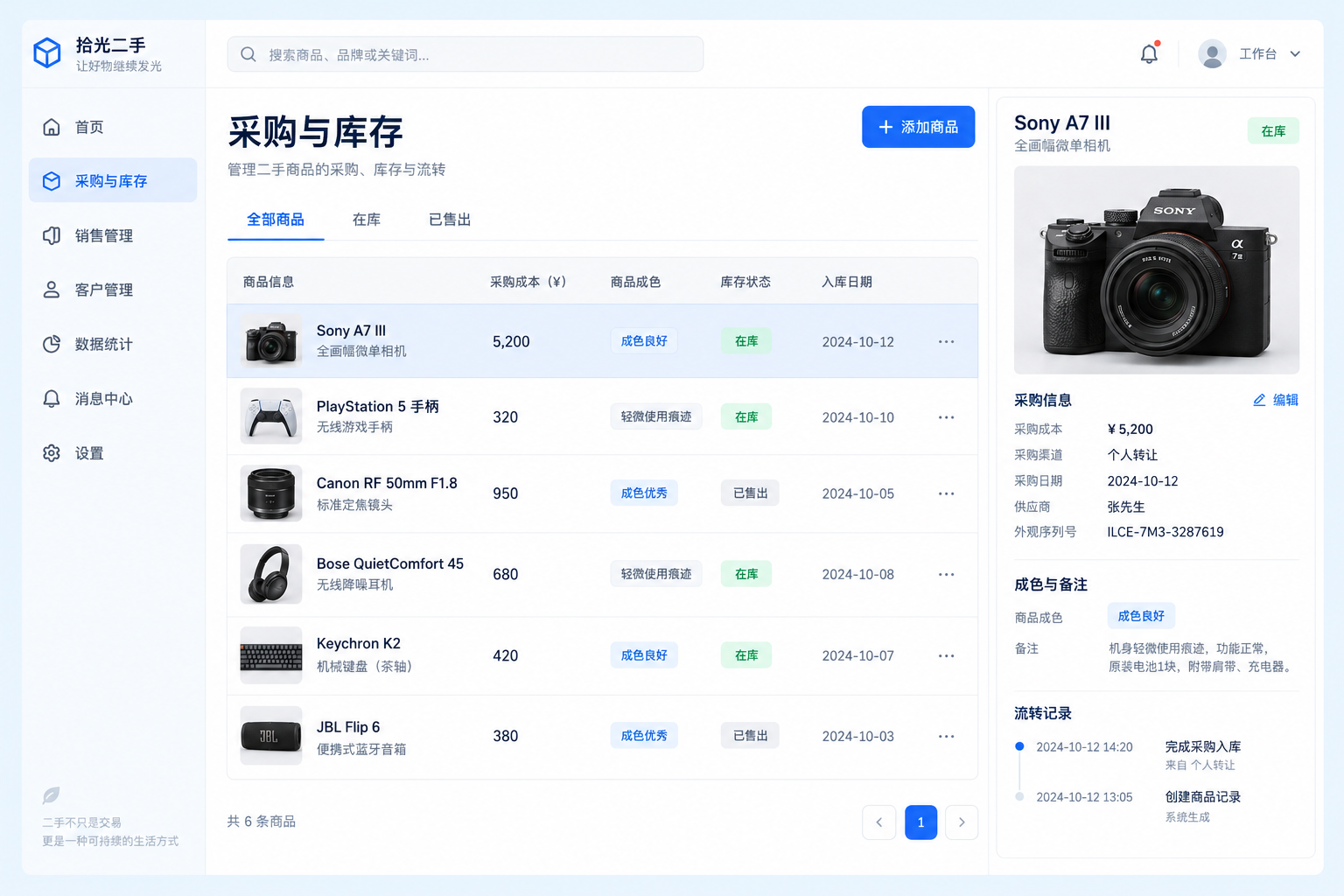
Retail & resaleEvery item, accounted for.
Purchases, stock and item history, together in one clear workspace.
- Receive stock
- Record condition
- Track movements
- Check inventory
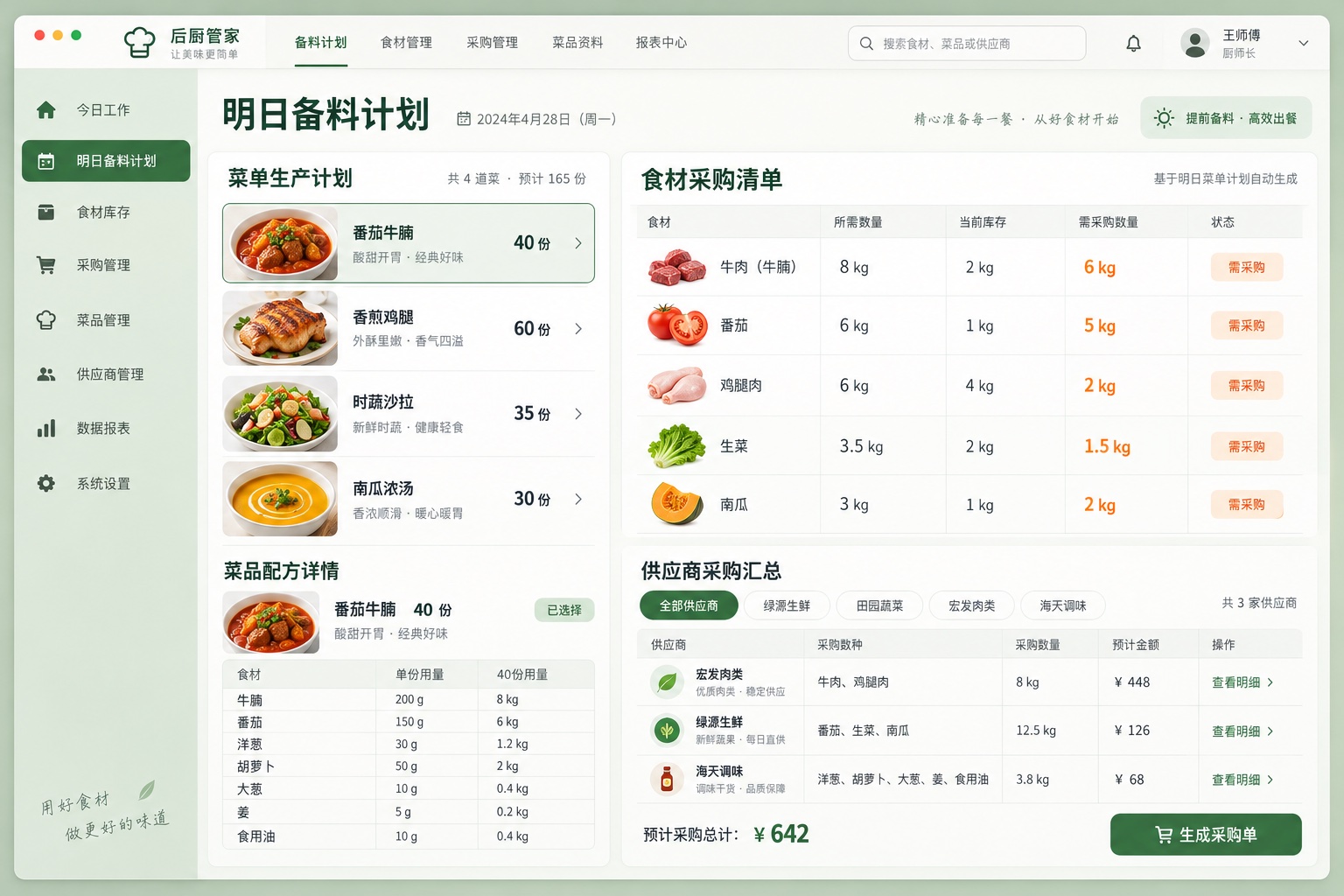
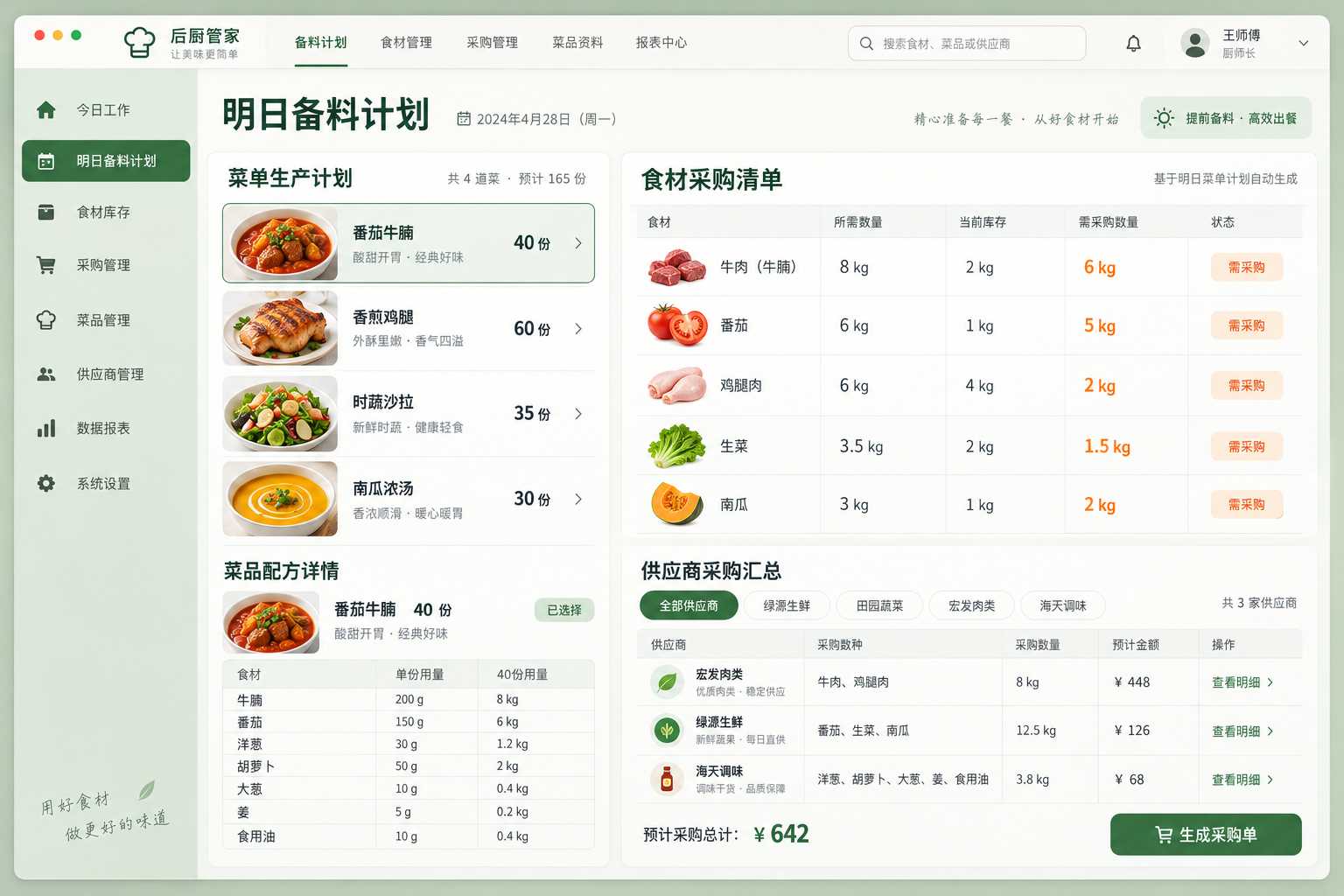
Food & cateringTomorrow’s menu. Today’s purchasing list.
Turn dishes and portions into ingredient needs, subtract stock on hand and prepare supplier orders.
- Menu quantities
- Recipe needs
- Available stock
- Purchase list
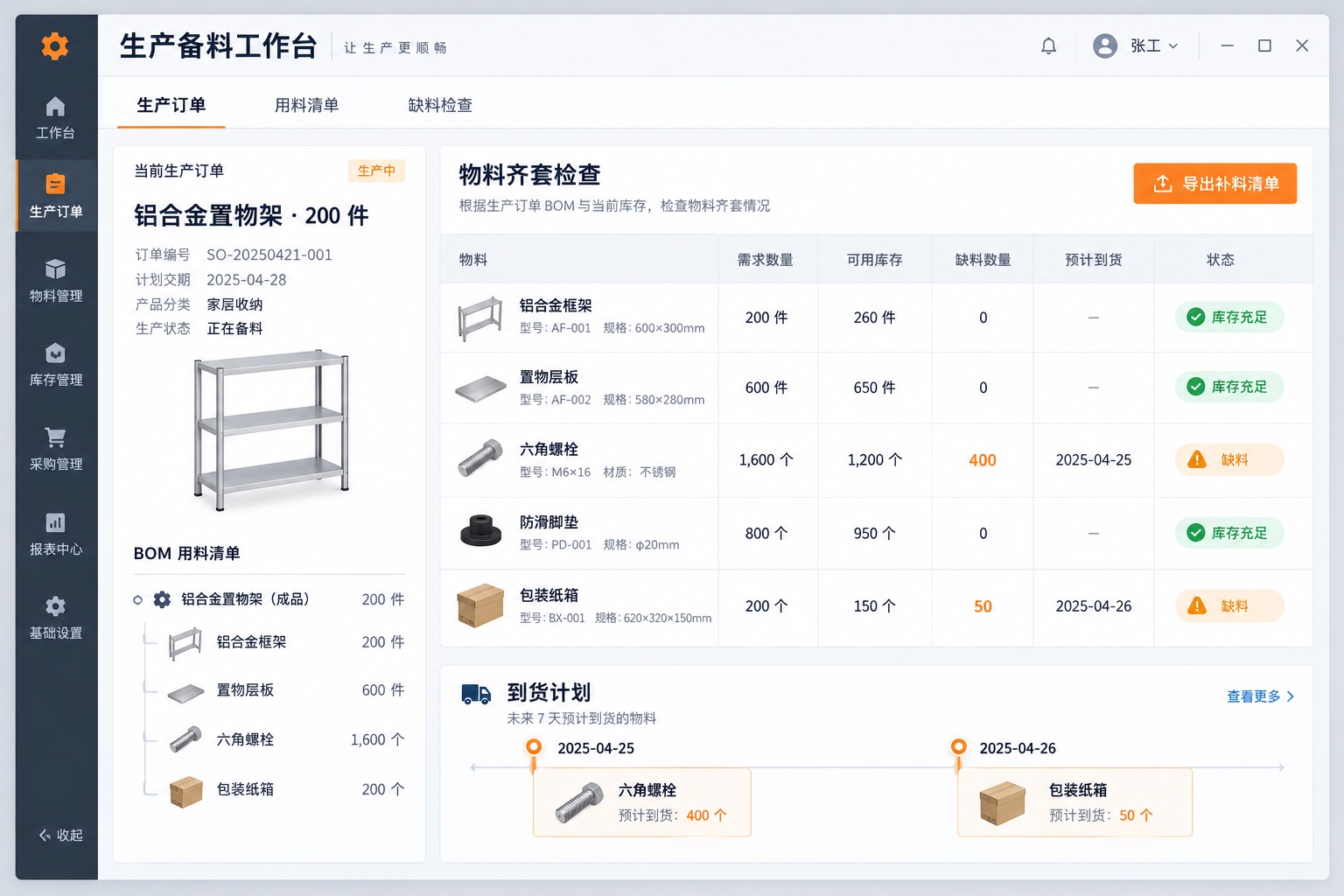
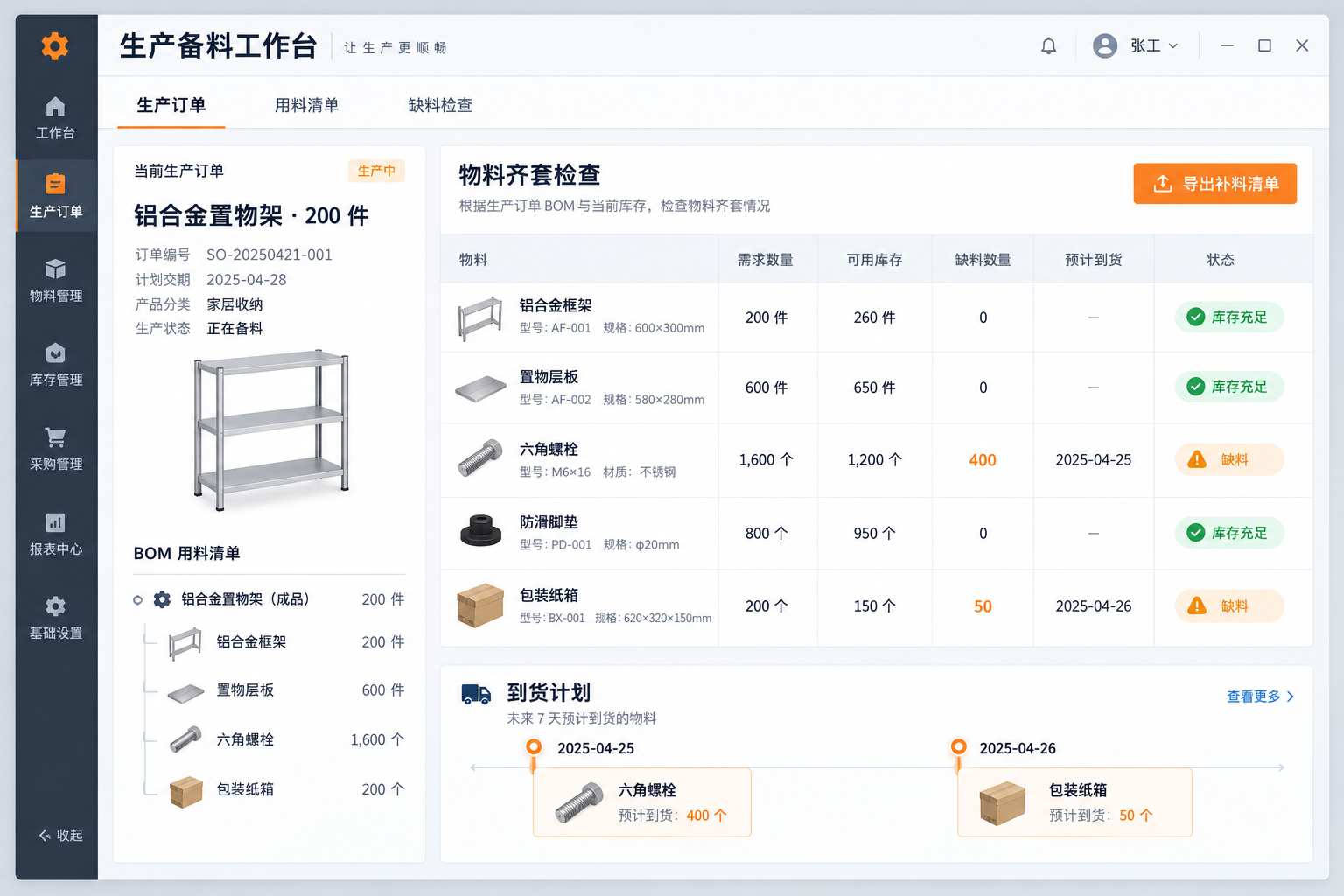
ManufacturingKnow what’s missing before production starts.
Calculate material needs from product components, check stock and arrival dates, and prepare replenishment lists.
- Work orders
- Component needs
- Stock checks
- Replenishment
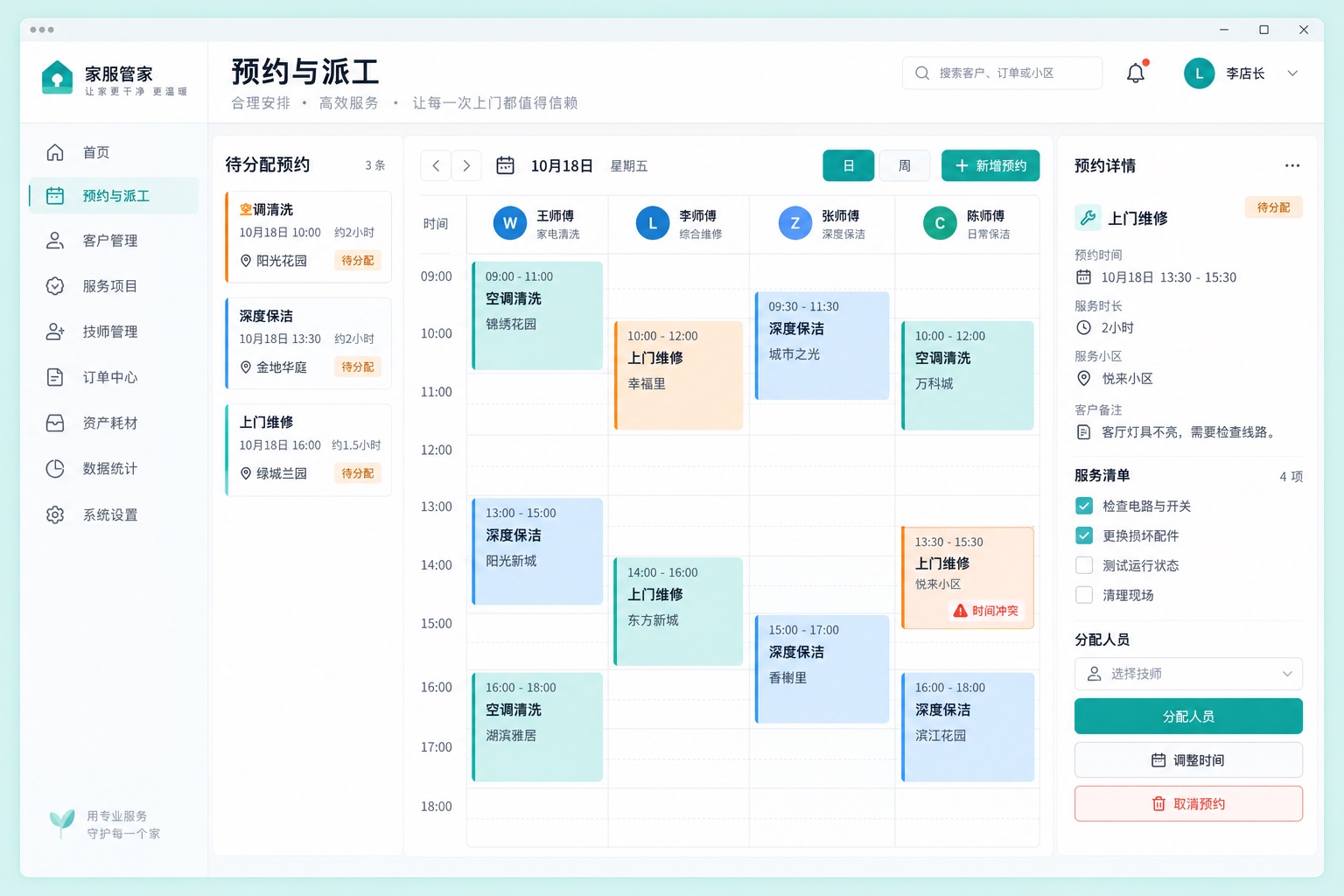
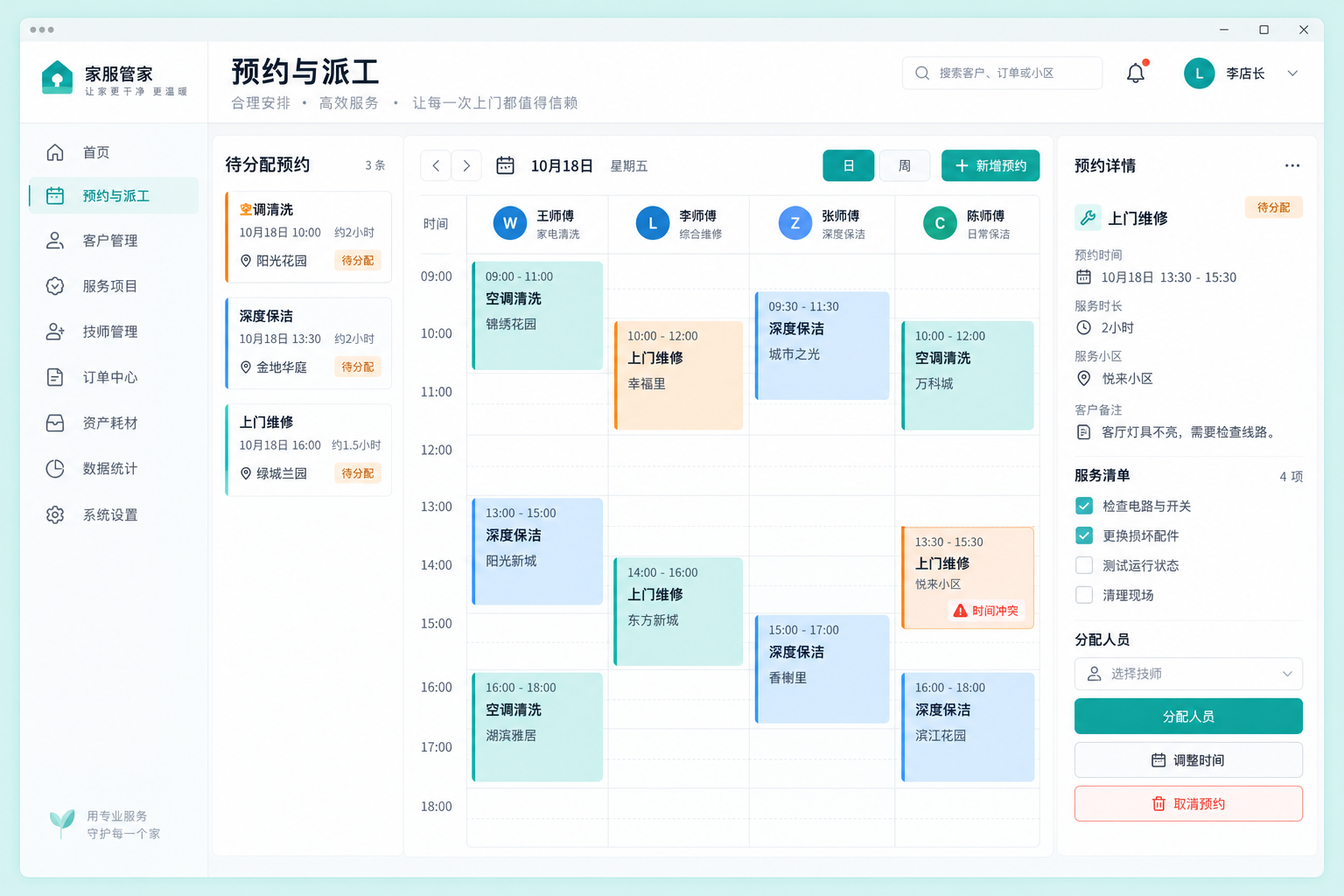
Field servicesThe right person, at the right time.
Schedule cleaning and maintenance appointments, spot time conflicts and track each service visit.
- Collect bookings
- Assign staff
- Check conflicts
- Track visits
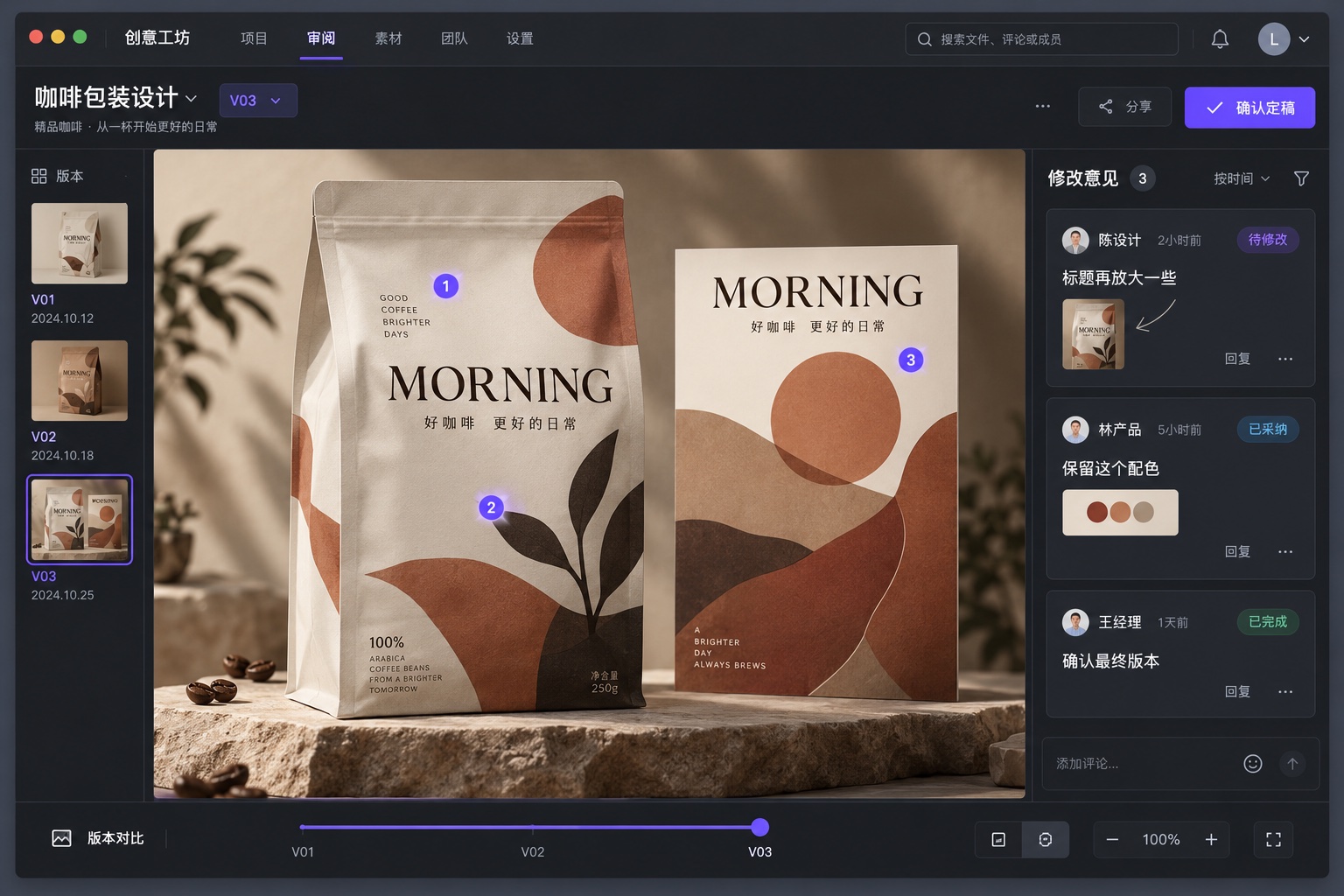
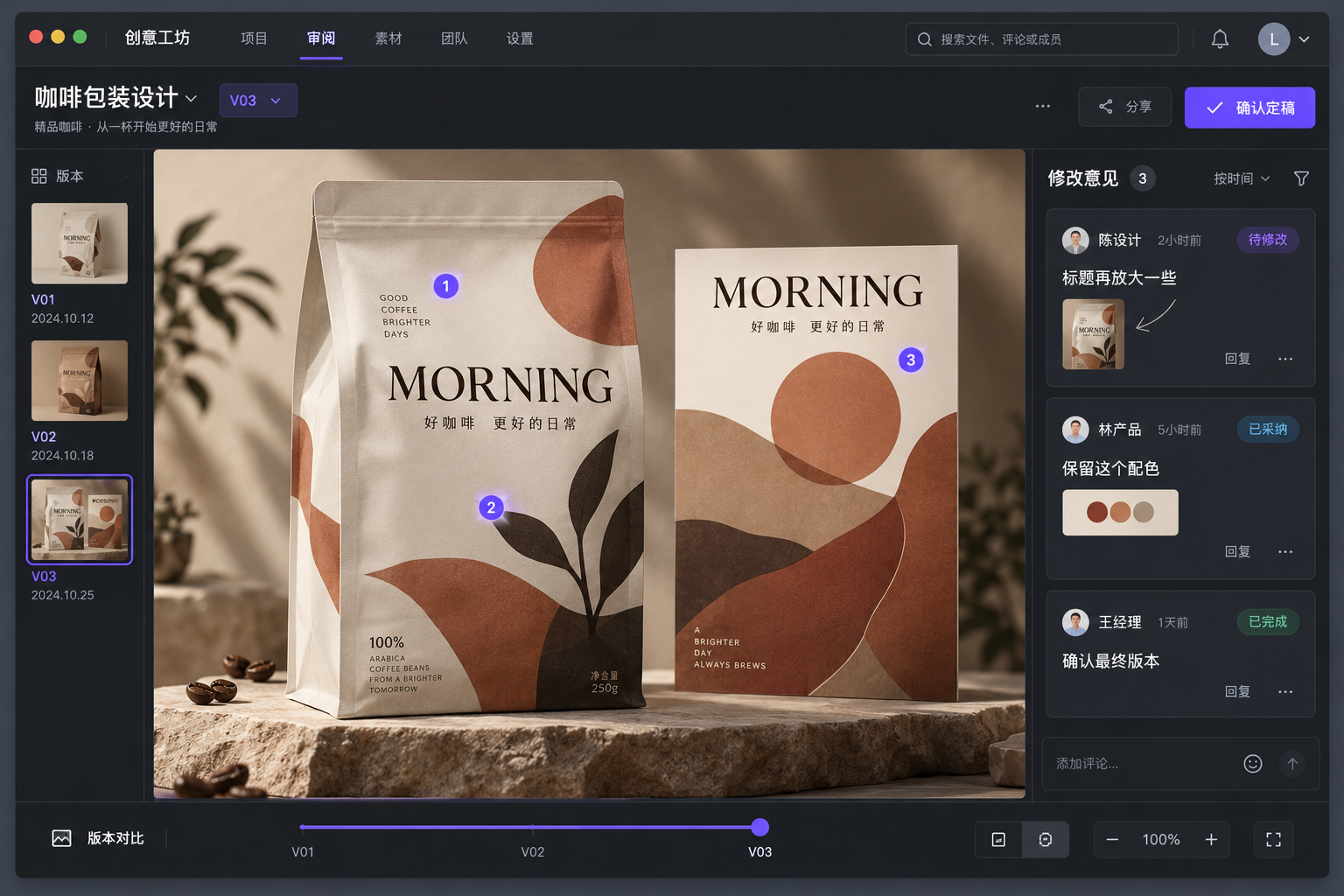
Design & contentOne place for versions, feedback and approval.
Keep artwork, client comments and approval status together, with clear versions and fewer scattered messages.
- Upload versions
- Pin feedback
- Track revisions
- Approve work
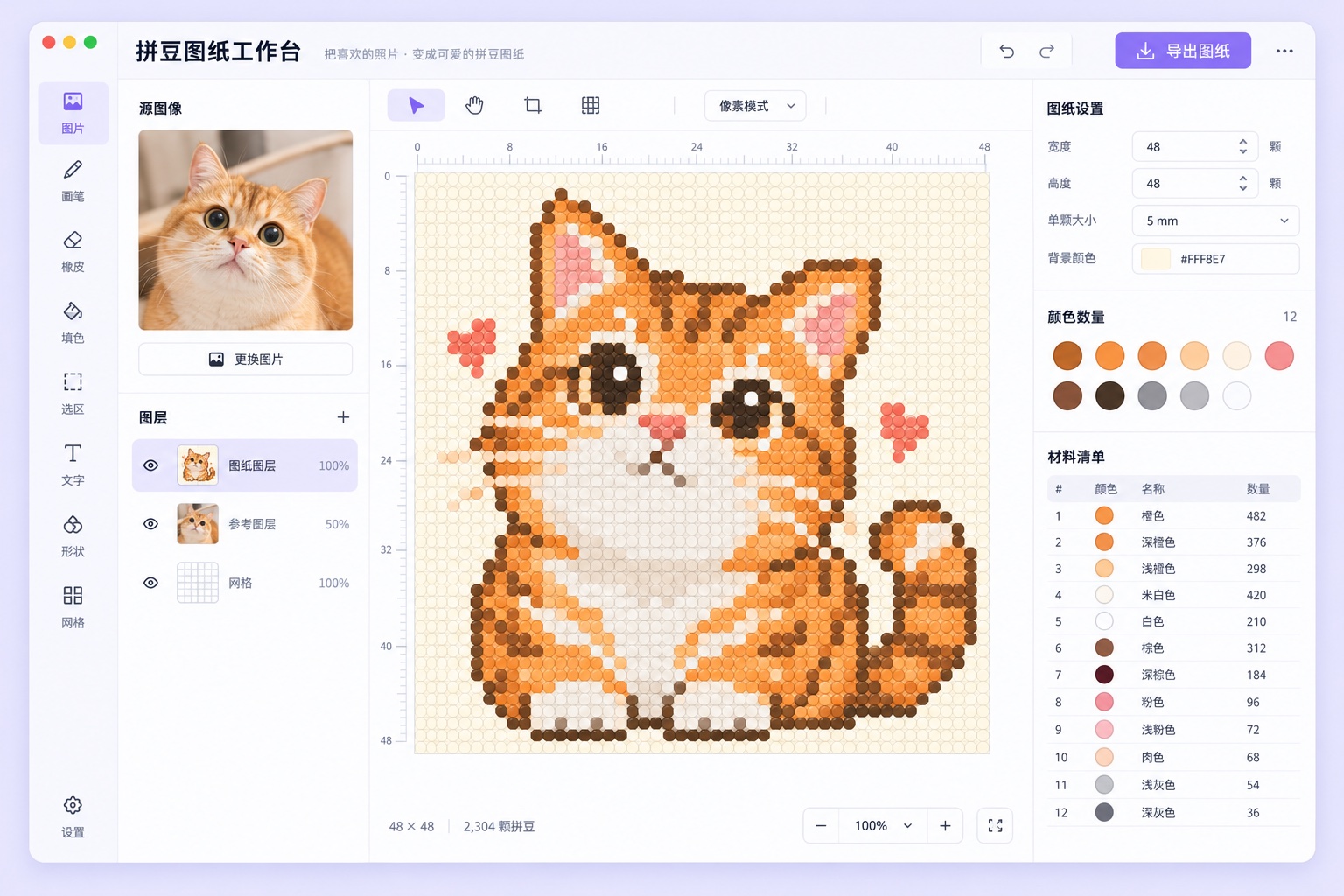
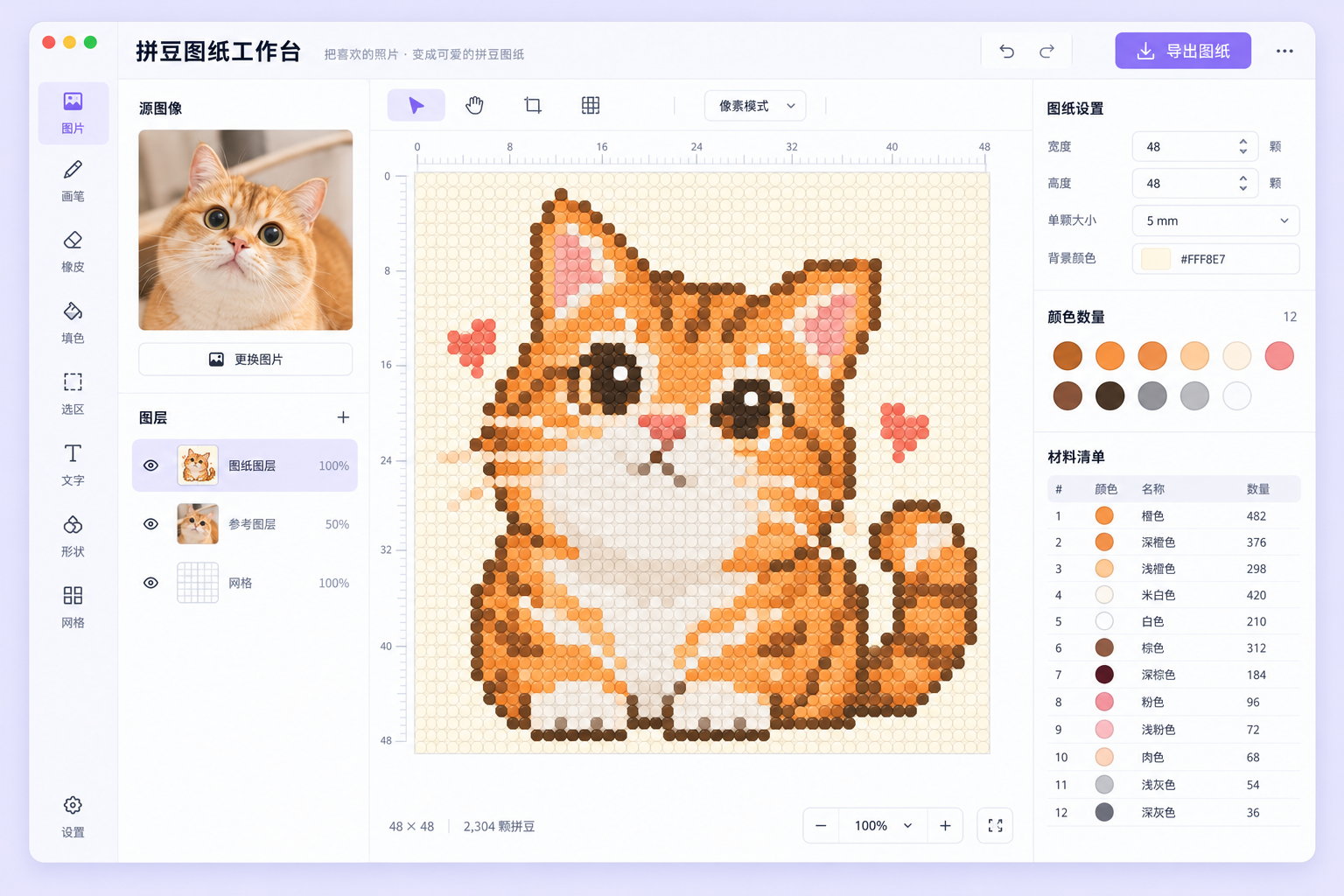
Craft & pattern makingFrom a photo to a bead pattern.
Set the size, match colors and count materials. Make an idea ready to create.
- Import image
- Adjust pattern
- Match colors
- Export materials
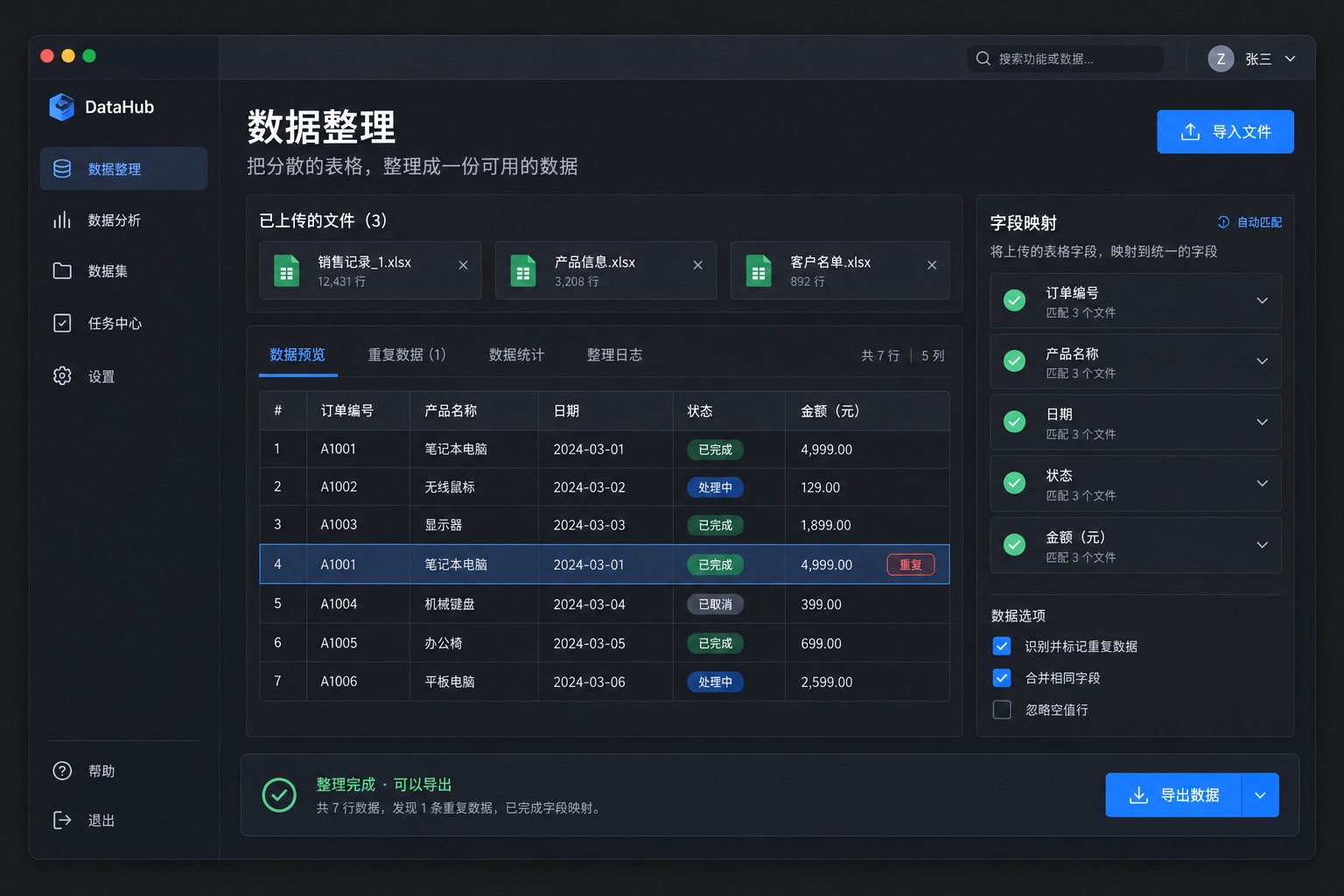
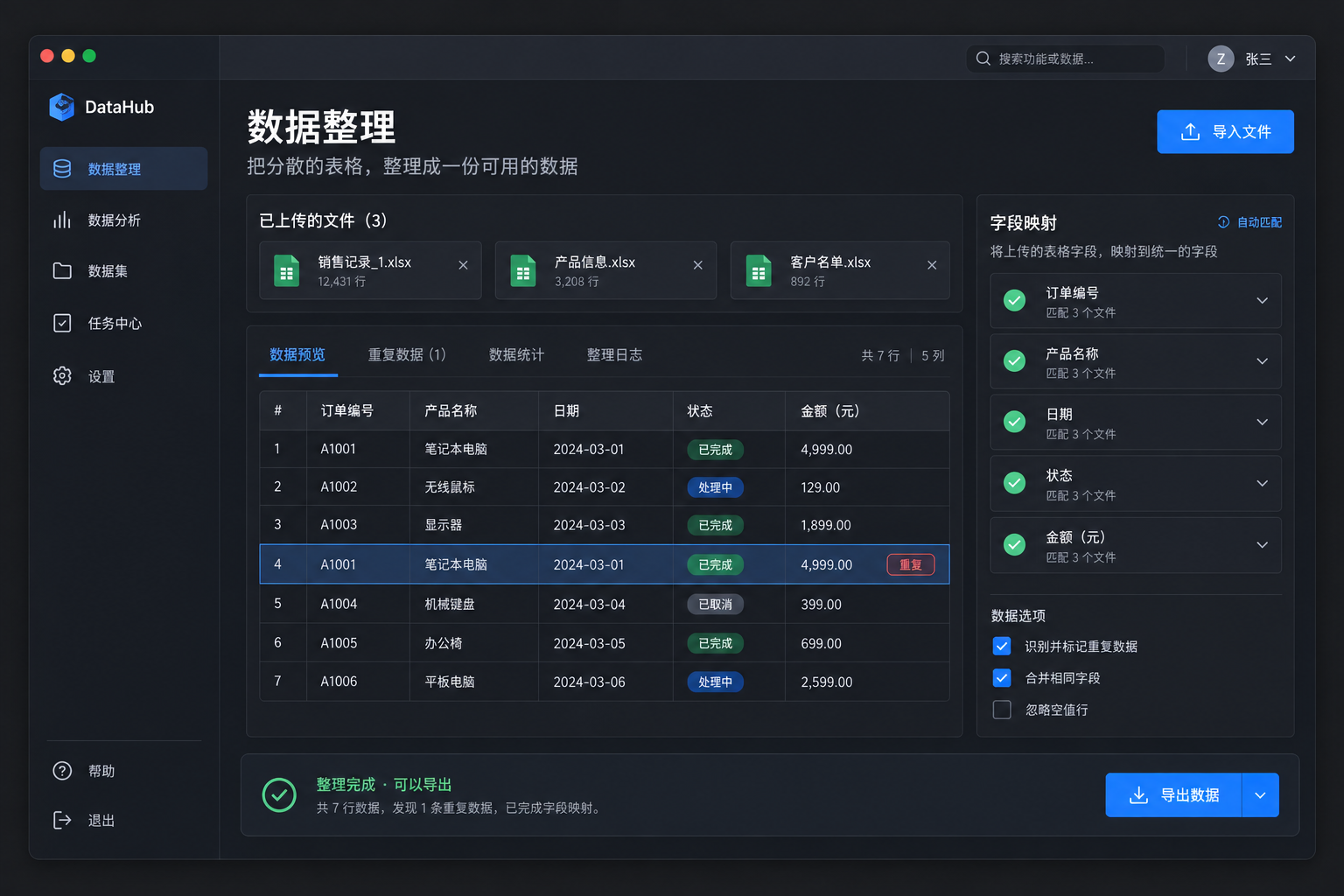
Data & office workScattered spreadsheets. Usable data.
Import, merge, deduplicate and export. A clear flow for recurring data work.
- Import files
- Map fields
- Check duplicates
- Export data